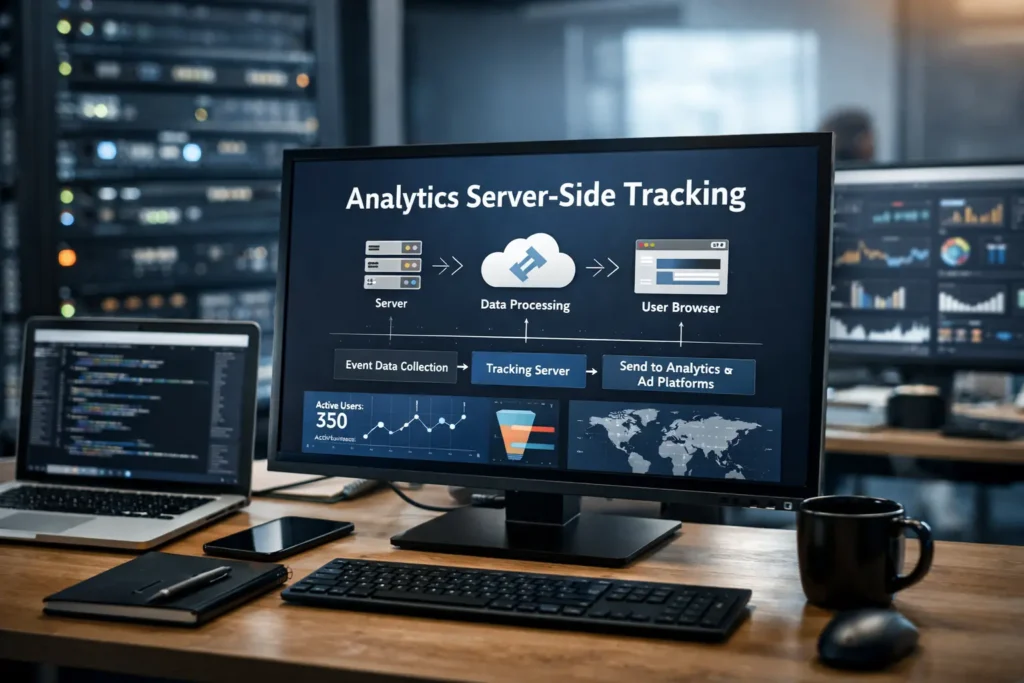
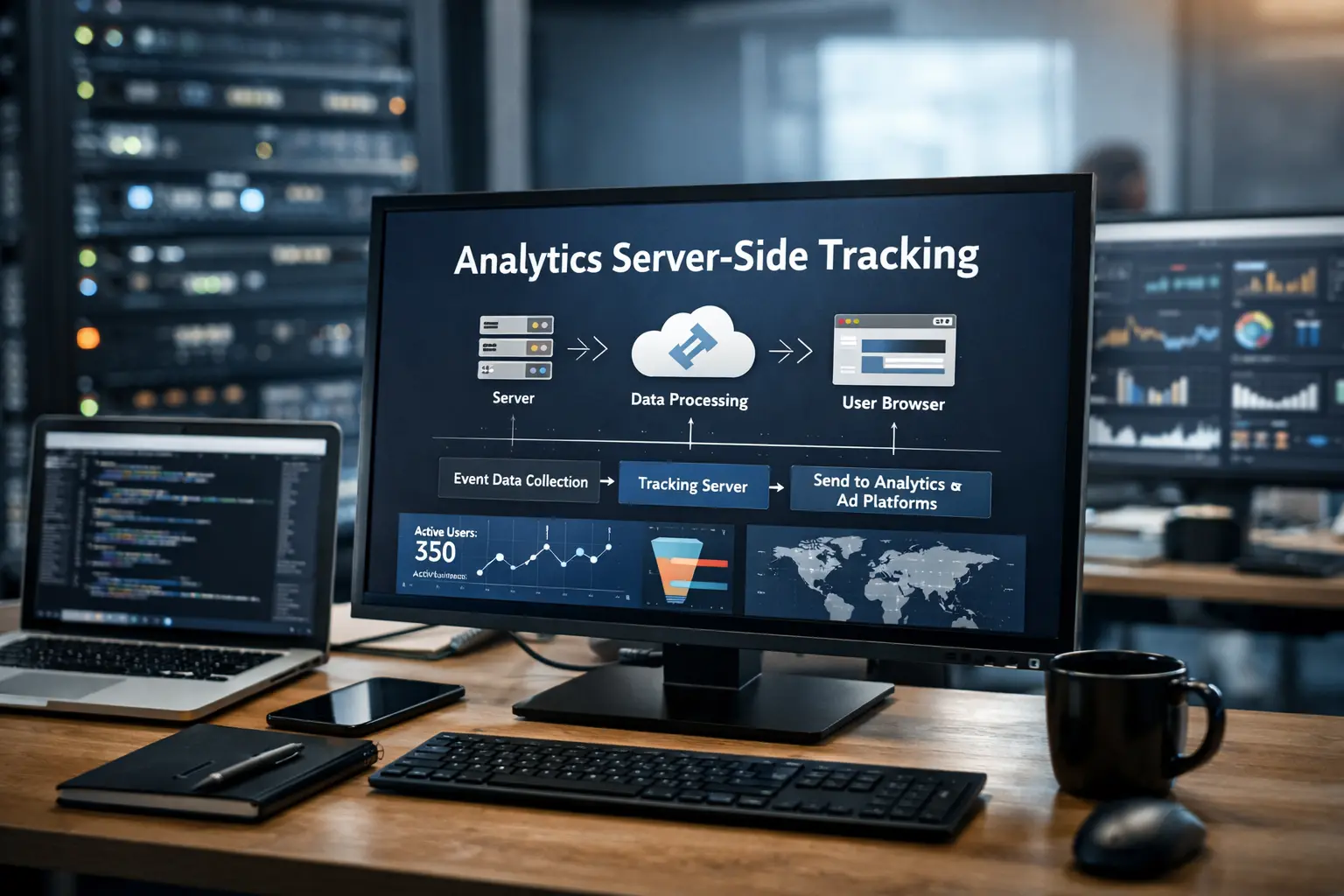
Analytics Server-Side Tracking
Analytics Server-Side Tracking: The Complete Guide
- Introduction: Your Analytics Are Lying to You
- What Is Server-Side Tracking? — Plain-English + Definitions
- Why Client-Side Tracking Is Failing in 2026 — 6 Forces Destroying Your Data
- Server-Side vs. Client-Side: Full Comparison — 14-Point Table
- How Server-Side Tracking Works — Architecture & Data Flow
- Key Benefits of Server-Side Tracking — 9 Documented Advantages
- Tools & Platforms — Full Comparison of 10 Solutions
- Step-by-Step Implementation Guide — 5 Phases, 11 Steps
- Platform-Specific Integrations — GA4, Meta CAPI, TikTok, Google Ads
- Privacy Compliance — GDPR, CCPA, Consent Mode v2
- Common Mistakes & Fixes — 8 Pitfalls to Avoid
- Advanced Strategies & Pro Tips
- Real-World Case Studies
- FAQ: People Also Ask
- Action Plan & Implementation Checklist
Introduction: Your Analytics Are Lying to You
Imagine running paid ads, optimizing landing pages, and investing thousands in marketing — only to discover that 30–40% of your conversions were never recorded. Your ROAS looks mediocre. Your ad algorithms are flying blind. And your data-driven decisions are built on a foundation riddled with holes.
This is the reality for most businesses still relying on traditional client-side tracking in 2026. Ad blockers, Apple’s Intelligent Tracking Prevention (ITP), iOS 17 privacy features, and the decline of third-party cookies have made browser-based analytics increasingly unreliable.
The solution? Server-side tracking — a fundamentally different approach that moves data collection from the user’s browser to a secure server you control. The result: more complete data, better privacy compliance, faster websites, and significantly improved advertising performance.
What Is Server-Side Tracking?
Server-side tracking (SST) is a method of collecting and processing user interaction data on your own web server — before passing it to analytics or advertising platforms — rather than relying on the user’s browser to do that work.
In traditional client-side tracking, when a visitor lands on your website, their browser loads dozens of JavaScript tags: Google Analytics, Meta Pixel, LinkedIn Insight Tag, and more. Each independently fires requests to third-party servers.
With server-side tracking, a completely different flow takes place:
Single Browser Request
The user’s browser sends one lightweight event to your own server (e.g., tracking.yourdomain.com) — not to third parties.
Server Processes & Enriches
Your server receives, validates, filters, enriches, and applies consent logic to the incoming data.
Forward to Platforms
Clean, structured events are forwarded to GA4, Meta, TikTok, Google Ads, and any other platform via their server APIs.
Key Terminology: SST vs. Server-Side Tagging vs. CAPI
| Term | Definition | Example |
|---|---|---|
| Server-Side Tracking | The broad practice of processing data on your server before routing it to platforms. | Sending purchase events from your backend directly to Meta CAPI |
| Server-Side Tagging (SST) | A specific implementation where a tag manager (like GTM Server) runs in a server container. | GTM Server Container on Google Cloud Platform |
| Conversion API (CAPI) | A platform-specific API for receiving server-sent conversion events. | Meta Conversions API, TikTok Events API, Pinterest API for Conversions |
Why Client-Side Tracking Is Failing in 2026
Six compounding forces are systematically destroying the accuracy of browser-based analytics:
① Ad Blockers Are Mainstream
Popular extensions like uBlock Origin and Ghostery block known third-party tracking domains. When your Google Analytics tag, Meta Pixel, or LinkedIn tag is blocked, that user’s session vanishes from your data entirely. Studies show ad blockers suppress over 40% of client-side pixels among tech-savvy audiences.
② Safari’s Intelligent Tracking Prevention (ITP)
Apple’s ITP limits cookies placed by JavaScript to just 7 days — and in some cases 24 hours. Users who convert more than a week after their first visit are invisible to client-side attribution. With Safari commanding 20%+ of global browser market share, this is not a niche problem.
③ iOS 17 Link Tracking Protection
iOS 17 strips tracking parameters (fbclid, gclid, ttclid, utm_*) from URLs in Safari’s Private Browsing mode. These parameters are the backbone of paid media attribution. Their removal creates significant blind spots in cross-platform measurement.
④ Third-Party Cookie Deprecation
Firefox and Brave already block third-party cookies. Chrome is phasing them out. The entire foundation of cross-site retargeting, behavioral tracking, and multi-touch attribution is being dismantled browser by browser.
⑤ Consent Management Gaps
Under GDPR and CCPA, users who decline cookies prevent client-side scripts from firing. Managing consent correctly across 10+ independent tags is fragile and error-prone — a single misconfiguration creates compliance exposure.
⑥ JavaScript Execution Failures
Browser crashes, slow connections, mid-load navigation, SPA routing errors, and tag conflicts all silently cause JavaScript tracking to fail. Server-side tracking is immune to all of these.
Server-Side vs. Client-Side Tracking: Full Comparison
| Dimension | Client-Side Tracking | Server-Side Tracking |
|---|---|---|
| Where it runs | User’s browser (JavaScript) | Your server / cloud container |
| Ad blocker vulnerability | High — easily blocked | Low — first-party request |
| ITP / Cookie restrictions | Severely limited (7-day cookies) | Unaffected |
| Third-party cookie reliance | High dependency | Eliminated |
| Data accuracy | ~60–80% (declining) | ~95–100% |
| Implementation complexity | Low | Medium–High |
| Page performance impact | High — many scripts | Low — one request |
| Data control | Limited | Full — filter, enrich, anonymize |
| GDPR / CCPA compliance | Difficult to centralize | Centralized consent layer |
| Cookie lifespan | 7 days max (Safari) | Up to 400 days |
| Offline event tracking | Not supported | Supported |
| First-party data enrichment | Not possible | CRM + session data merge |
| Setup cost | Free | $10–$150+/mo (cloud hosting) |
| Future-proofing | Fragile | Resilient to browser changes |
How Server-Side Tracking Works: Architecture & Data Flow
The system has four core components working in sequence:
Component 1: The Data Source (Client)
Your website sends a single event to your server container URL instead of loading individual third-party pixels. Because this is a request to your own domain, ad blockers ignore it.
Component 2: The Server Container (Event Router)
The heart of server-side tracking. It receives incoming events and acts as an intelligent router — validating, deduplicating, enriching with server-side info (IP, user agent, CRM data), hashing PII, applying consent logic, and forwarding to multiple destinations simultaneously.
Component 3: Destinations (Platforms)
After processing, events are sent to each platform via their APIs: GA4 Measurement Protocol, Meta CAPI, TikTok Events API, Google Ads Enhanced Conversions, LinkedIn/Pinterest/Snapchat APIs, and your own data warehouse (BigQuery, Snowflake).
Component 4: Server-Set First-Party Cookies
The server sets durable first-party cookies under your domain with lifespans up to 400 days — completely immune to ITP’s JavaScript cookie limitations — enabling long-term user identification and cross-session attribution.
Key Benefits of Server-Side Tracking
✅ Advantages
- Recovers 20–40% of lost conversion data
- Bypasses ad blockers (first-party routing)
- Extends cookie lifespan to 400 days
- Faster website (1 request vs 15+ scripts)
- Centralized consent management
- Full data control & PII protection
- Enables offline-to-online matching
- Improves ad algorithm optimization (ROAS)
- Future-proof against browser changes
❌ Limitations
- Higher setup complexity vs. client-side
- Ongoing server hosting costs
- Requires technical expertise or tools
- Doesn’t fix poor event implementation
- 100% completeness never guaranteed
- Requires ongoing maintenance
Why Better Data = Better ROAS
Ad platforms like Meta and Google use conversion signals to train their bidding algorithms. When signals are incomplete (missing 30–40% of conversions), the algorithms optimize for an inaccurate picture. Server-side tracking delivers complete signals, enabling significantly more efficient ad spend — one fashion brand (Petrol Industries) reported a 100% ROAS improvement on Meta after implementing server-side tracking.
Server-Side Tracking Tools & Platforms
Start with sGTM + Stape.io if your team uses GTM/GA4. Use Shopify-specific tools (wetracked.io, TrackBee) for fastest e-commerce time-to-value. Choose Segment/RudderStack for maximum destination flexibility with engineering resources. Go Tealium/Adobe for enterprise multi-brand governance.
Step-by-Step Implementation Guide (GTM Server-Side)
This guide covers the most widely adopted approach: Google Tag Manager Server-Side (sGTM) with GA4, which supports the broadest range of downstream integrations.
Audit Your Current Tracking
Document every tag on your site (use GTM Preview or Tag Assistant). Identify business-critical events. Compare GA4 conversions to actual backend order count to quantify your data gap.
Define Your Architecture
Choose a hosting provider (GCP App Engine, Stape.io). Choose your tagging subdomain (tracking.yourdomain.com). Map which events move server-side. Plan your consent integration approach.
Create a GTM Server Container
Go to tagmanager.google.com → Create Container → Select “Server” → Choose “Manually provision tagging server” → Copy the Container Config code.
Deploy the Tagging Server
In Google Cloud Console: create a project, enable App Engine API, run Google’s setup script in Cloud Shell. Paste your Container Config when prompted. Choose the server region closest to your users.
Map Your Custom Domain
Add a DNS CNAME record: tracking.yourdomain.com → your-project.ew.r.appspot.com. Wait for propagation. Verify by visiting tracking.yourdomain.com — you should see a GTM response.
Update Your Web GTM Container
In your Google Tag (GA4 Configuration): add parameter server_container_url = https://tracking.yourdomain.com. Enable first_party_collection = true. Add fbp and fbc cookie variables for Meta. Publish.
Verify the GA4 Client
In your server container, confirm the GA4 Client is present under Clients. It should have been auto-created. This receives events from your web container and routes them to tags.
Create Tags for Each Destination
Add a GA4 tag (Measurement Protocol), Meta CAPI tag (use Stape template from Community Gallery), TikTok Events API tag, and Google Ads Enhanced Conversions tag. Configure triggers for each.
Use Preview Mode (Both Containers)
Open Preview Mode in your web AND server containers simultaneously. Navigate your site, trigger key events. Verify events appear in server container preview with correct parameters and each tag returns HTTP 200.
Platform-Level Verification
GA4: Check Debug View. Meta: Use Test Events in Events Manager — look for “Server” event source. Google Ads: Check Conversion diagnostics.
Deploy to Production
Publish both containers. Monitor for 48–72 hours, comparing server-side event counts to backend order records. Investigate any deduplication issues.
Platform-Specific Integration Guides
GA4 Server-Side Integration
GA4 is the foundation of most server-side setups. The GA4 Client in sGTM handles event routing from the browser and redistributes to other platforms. You need:
- A Measurement Protocol API secret (Admin → Data Streams → Measurement Protocol)
- Your GA4 Measurement ID (G-XXXXXXXX)
- Consistent event names matching GA4’s recommended events schema
- A
client_idparameter for user identification
transaction_id parameter for purchases to prevent double-counting in GA4 reports.Meta (Facebook) Conversions API (CAPI)
Meta CAPI is one of the highest-value integrations. It directly improves Meta’s ability to attribute conversions to your ads.
- Meta Pixel ID (Events Manager → Data Sources)
- API Access Token (Events Manager → Settings → Conversions API)
- Event deduplication via shared event_id between Pixel and CAPI — this is critical
- User data: hashed email, hashed phone, fbp cookie, fbc cookie, IP address, user agent
GA4 → Meta Event Mapping
TikTok Events API
Follows the same pattern as Meta CAPI. Capture the ttclid parameter client-side for attribution matching. Always send event_id for deduplication when running both the TikTok Pixel and Events API.
Google Ads Enhanced Conversions
Supplements your existing Google Ads conversion tags by sending hashed first-party customer data (email, name, phone) matched against signed-in Google accounts. Always hash with SHA-256 before transmitting.
Server-Side Tracking & Privacy Compliance
| Regulation | Key Requirement | How SST Helps |
|---|---|---|
| GDPR (EU) | Lawful basis (consent) required before processing personal data | Centralized consent enforcement; one flag suppresses all outbound data streams |
| CCPA (California) | Right to opt out of “sale” of personal information | Single “do not sell” flag anonymizes data across all ad platforms simultaneously |
| Google Consent Mode v2 | Mandatory for EEA advertisers; signals analytics/ad consent | Server container propagates Consent Mode signals to GA4 and Google Ads |
| Data Minimization | Collect only what is strictly necessary | Strip unnecessary PII before forwarding; platforms never receive more than they need |
8 Common Mistakes & How to Avoid Them
Rushing into server-side implementation without mapping your current setup leads to missed events, duplicates, and costly rework. Always start with a complete audit of every tag, event, and platform.
If you run client-side Pixels AND server-side CAPI simultaneously, you must pass a matching event_id with both events. Without this, platforms count one conversion twice — inflating numbers and misguiding ad algorithms.
Sending CAPI or GA4 server events for users who declined cookies is a GDPR violation. Your CMP must be integrated with your server container via Consent Mode signals or a custom consent flag variable.
All user data must be lowercased, trimmed, then SHA-256 hashed. Skipping normalization before hashing causes hash mismatches that destroy Meta’s Event Match Quality scores.
A single server instance with no auto-scaling will cause data loss during traffic spikes. Configure auto-scaling — Google recommends minimum 3 instances in production on App Engine.
Always validate in GTM Preview Mode across both web and server containers before publishing. Confirm 200 responses from all downstream platforms. Publish-before-test can corrupt analytics data during peak traffic.
Server-side faithfully forwards whatever it receives. If your events are poorly structured, inconsistently named, or missing parameters client-side, the server forwards those problems to every platform. Fix implementation quality first.
Meta’s EMQ score (0–10) measures how well your server events match Meta users. Low EMQ (<6.0) dramatically reduces CAPI value. Include email, phone, IP, user agent, fbp, fbc, and fbclid to maximize match quality.
Advanced Strategies & Pro Tips
The optimal setup for most businesses is not purely server-side — it’s a hybrid. Keep client-side tags for real-time personalization and page interactions. Use the server container for conversion events, audience building, and ad platform data forwarding. Best of both worlds: speed + accuracy.
Configure your server container to set a first-party cookie (_sst_user_id) via the Set-Cookie response header. Server-set cookies are immune to ITP’s 7-day limit and persist for up to 400 days — enabling accurate long-window attribution impossible with JavaScript cookies.
At the moment a conversion hits your server, query your CRM in real-time to append customer lifetime value, subscription status, or loyalty tier to the event. Forwarding this enriched data to Meta CAPI gives the algorithm richer signals for lookalike audience building.
Configure your server container to also forward all events to BigQuery. This creates an unsampled, permanently retained raw event log — bypassing GA4’s data sampling, quotas, and deletion policies. Use as the source of truth for your BI tools (Looker, Power BI, Tableau).
Set up a daily check comparing your server container event volume (GCP logs) against your backend order count. A sudden drop in server events with no corresponding sales drop signals a tracking issue before it becomes a costly data gap.
For businesses with offline sales (calls, in-store, B2B closures), connect your CRM to your server pipeline and automatically fire “offline conversion” events when deals close — attributing them to the original online ad click. Impossible with client-side tracking alone.
Real-World Case Studies
FAQ: People Also Ask About Server-Side Tracking
event_id.Your 30-Day Implementation Roadmap
- Tracking audit completed — all current events documented
- Server container deployed with custom domain (tracking.yourdomain.com)
- Web GTM container updated with server_container_url parameter
- GA4 server-side forwarding validated in Debug View
- Meta CAPI configured with SHA-256 hashed PII and event_id deduplication
- Meta Event Match Quality (EMQ) score above 6.0
- Google Ads Enhanced Conversions configured
- Consent Management Platform integrated with server container
- Server-side first-party cookies implemented (up to 400-day lifespan)
- BigQuery event streaming configured for raw data retention
- Auto-scaling configured in server deployment (min. 3 instances)
- Daily monitoring in place — server events vs. backend order count
Conclusion:
Server-side tracking is no longer an advanced optional enhancement for enterprise teams. It is the foundation of any accurate, privacy-compliant, future-proof analytics strategy in 2026.
The compounding effects of ad blockers, Apple’s ITP, third-party cookie deprecation, and tightening privacy regulations have made client-side-only tracking an increasingly fragile and inaccurate approach. Businesses still relying solely on browser-based pixels are making strategic decisions — advertising spend, channel mix, product investments — based on data missing 20–50% of actual conversions.
The good news: implementation has never been more accessible. Managed hosting providers, pre-built templates, and platform-specific apps have dramatically reduced the technical barrier to entry.
Every day you delay server-side tracking is another day of incomplete data, misguided ad spend, and lost revenue. Start with your tracking audit today — the next step is always clarity about where you are before you plan where you need to go.